Documentation
Getting started
Features
How To
- Speed Test
- Speed Test
- Prioritize Connections
- DiffServ
- DiffServ
- Merge with games
- Merge with games
- Accelerate your online games
- Improve Shared Connections
- Prioritarize a Port
- Prioritarize a Program
- Backup/Restore
- Backup/Restore
- Generic Speed Guide
- Create Dump
- Create Dump
- Surf the Web Faster
- Create a Wifi Access Point
- Create Skin
- Create Skin
- Speed Test
- Speed Test
- Prioritize Connections
- DiffServ
- DiffServ
- Merge with games
- Merge with games
- Accelerate your online games
- Improve Shared Connections
- Prioritarize a Port
- Prioritarize a Program
- Backup/Restore
- Backup/Restore
- Generic Speed Guide
- Create Dump
- Create Dump
- Surf the Web Faster
- Create a Wifi Access Point
- Create Skin
- Create Skin
Program
- Status Window
- Status Window
- Status Window on phone/tablet
- Wi-Fi access point Online Budgets
- Usage Graph
- Usage Graph
- Logitech keyboard support
- Keyboard LEDs
- Keyboard LEDs
- The cFosSpeed Configuration-dialog
- Save Settings
- Save Settings
- Additional languages for cFosSpeed
- Technical references for experts (English only)
- SPD.EXE Commands
- SPD.EXE Commands
- Status Window
- Status Window
- Status Window on phone/tablet
- Wi-Fi access point Online Budgets
- Usage Graph
- Usage Graph
- Logitech keyboard support
- Keyboard LEDs
- Keyboard LEDs
- The cFosSpeed Configuration-dialog
- Save Settings
- Save Settings
- Additional languages for cFosSpeed
- Technical references for experts (English only)
- SPD.EXE Commands
- SPD.EXE Commands
Performance
- Game Analyzer
- Game Analyzer
- RWIN Expansion
- RWIN Expansion
- Traffic Shaping for Filesharing (P2P)
- Suggestions for gamers
- Prioritizing programs
- Prioritizing ports
- What alternative Internet tuning methods are there?
- Task Offloading with cFosSpeed
- cFos Speed Guide
- cFos Speed Guide
- Game Analyzer
- Game Analyzer
- RWIN Expansion
- RWIN Expansion
- Traffic Shaping for Filesharing (P2P)
- Suggestions for gamers
- Prioritizing programs
- Prioritizing ports
- What alternative Internet tuning methods are there?
- Task Offloading with cFosSpeed
- cFos Speed Guide
- cFos Speed Guide
Traffic Shaping
- What is Traffic Shaping?
- How does Traffic Shaping work?
- L7 Protocol Analysis
- Prioritization of Programs
- Class Delay Management
- RTP/VoIP Detection
- Individual rules with filter language
- Traffic Shaping options / Multi-User version
- DiffServ / DSCP tagging
- cFosSpeed with torrents
- What is Traffic Shaping?
- How does Traffic Shaping work?
- L7 Protocol Analysis
- Prioritization of Programs
- Class Delay Management
- RTP/VoIP Detection
- Individual rules with filter language
- Traffic Shaping options / Multi-User version
- DiffServ / DSCP tagging
- cFosSpeed with torrents
Other
Features
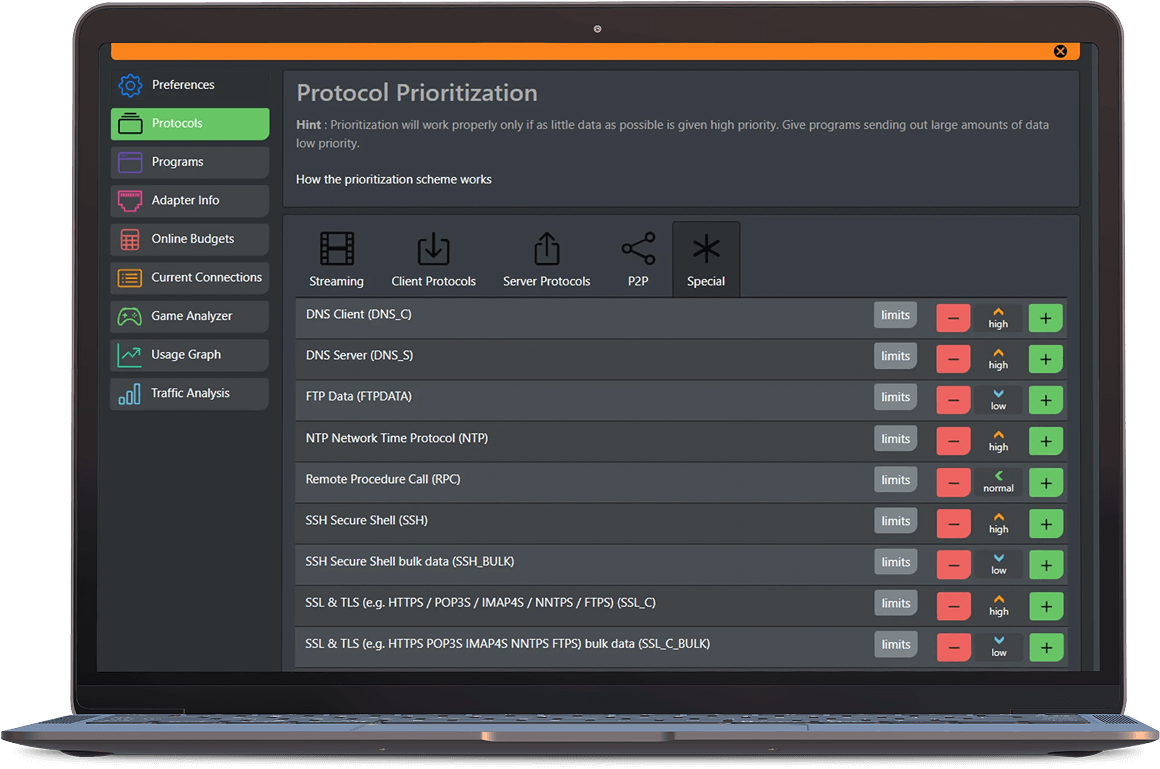
Prioritization
With the cFosSpeed prioritization scheme, you can always give all your programs full bandwidth, because cFosSpeed decides which streams must be prioritized.
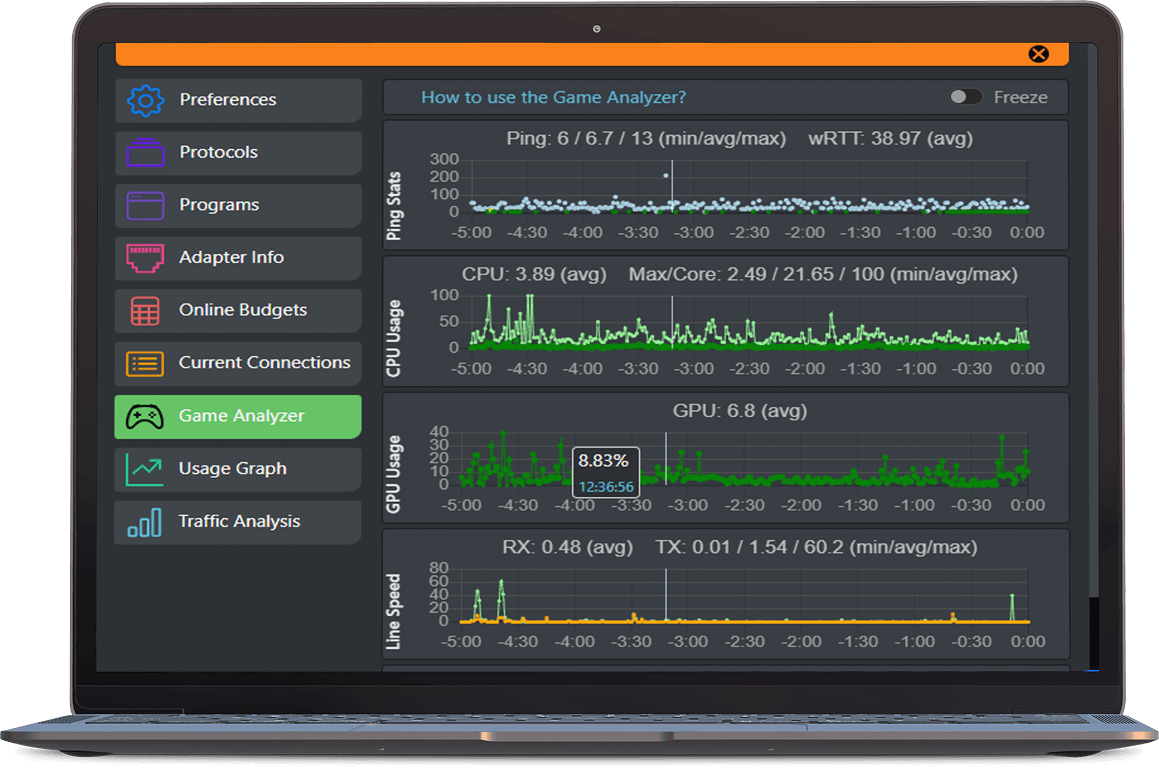
Game Analyzer
Online games can be demanding. If you are in an important boss fight with a lot of action, players, and monsters on the screen and somehow the action gets jittery, the question is: Why?
Improve home Wi - fi
Redirecting your wifi traffic to your desktop, cFosSpeed will prioritize and improve the bandwidth in your home.
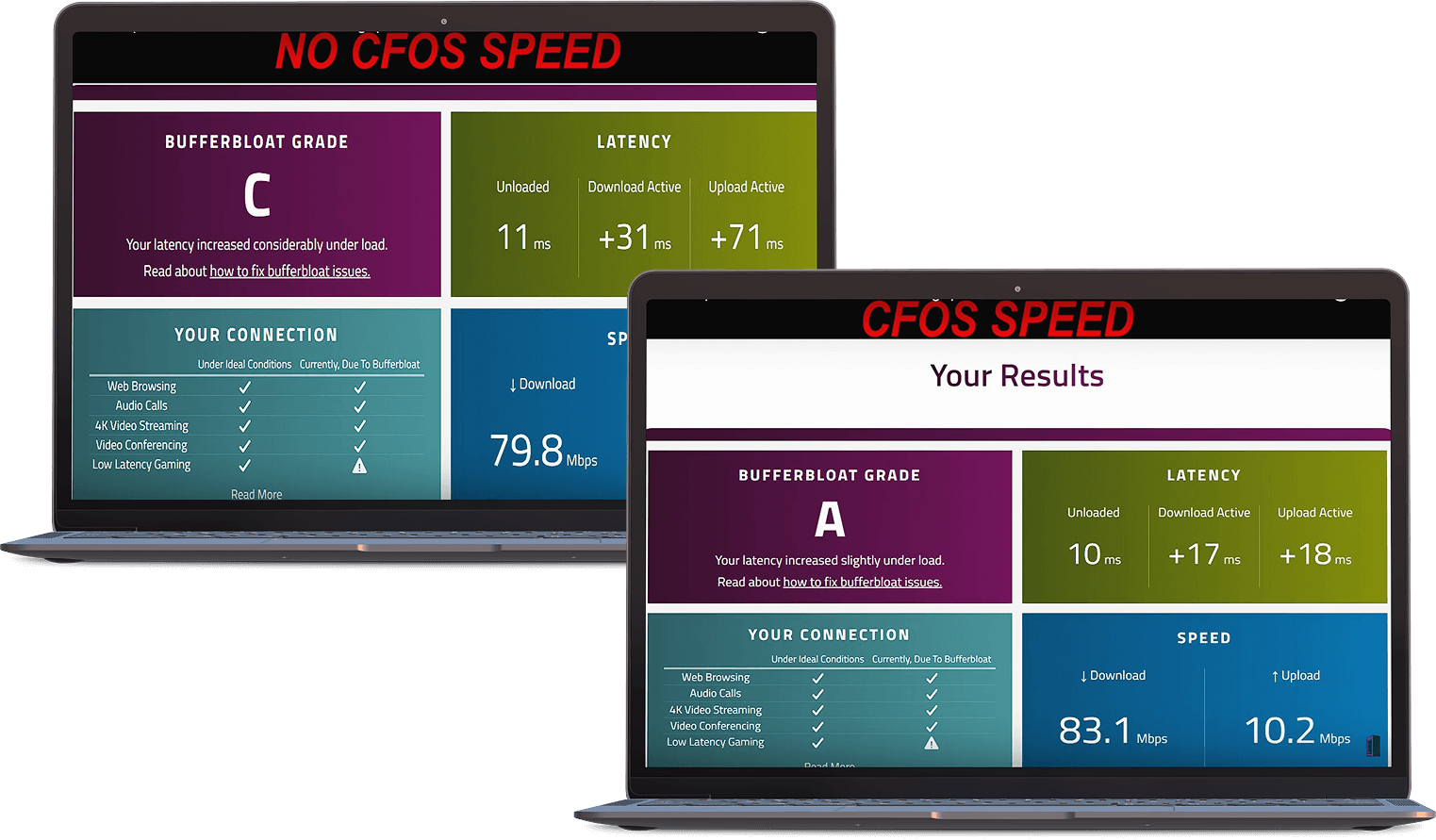
Great VoIP speech quality
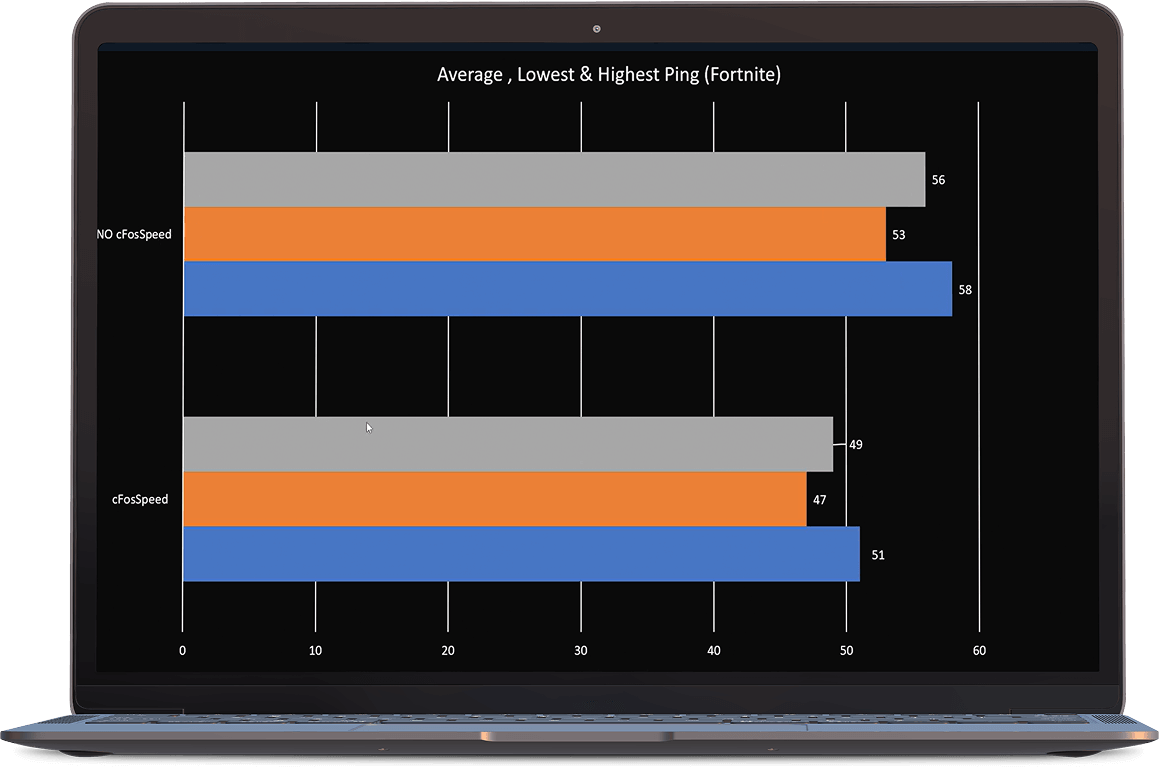
cFosSpeed’s Traffic Shaping technology keep ping times low and transfer rates consistently high at the same time.
Personalise and customise
Everything about cFosSpeed is customizable. The whole prioritization scheme is configurable and can be changed on-the-fly.